Guides
Invite carriers and manage their devices
Carriers never sign themselves up. You generate a code, they scan it, and everything they walk lands in your dashboard.
How a carrier joins
Carriers never create an account and never type a password. You generate a registration code, the carrier redeems it in the app, and that is the whole process. From then on their walks belong to your account and arrive in your dashboard on their own.
That is deliberate. Someone delivering leaflets should be able to open the app and start walking without remembering credentials.
Step by step
-
1
Add the carrier
Under Carriers you add the person by name. E-mail and phone are optional but useful: with an address on file you can send the code straight to them instead of reading it out.
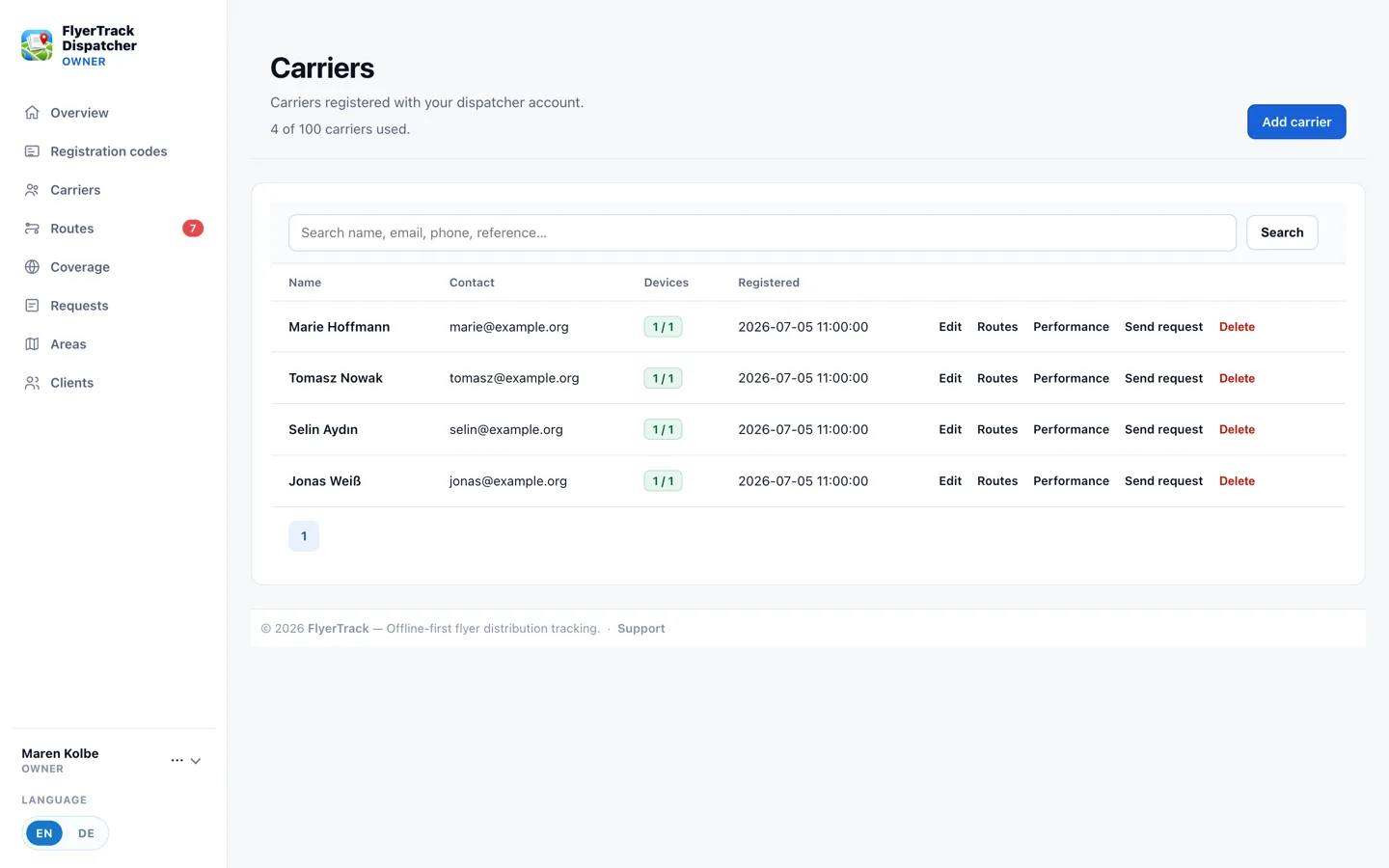
The carrier list shows who is registered and which device last reported in. -
2
Generate a code and hand it over
Each carrier gets their own code. It expires, and it is tied to that one person. Read it out, e-mail it, or show it as a QR code — the app scans it directly.
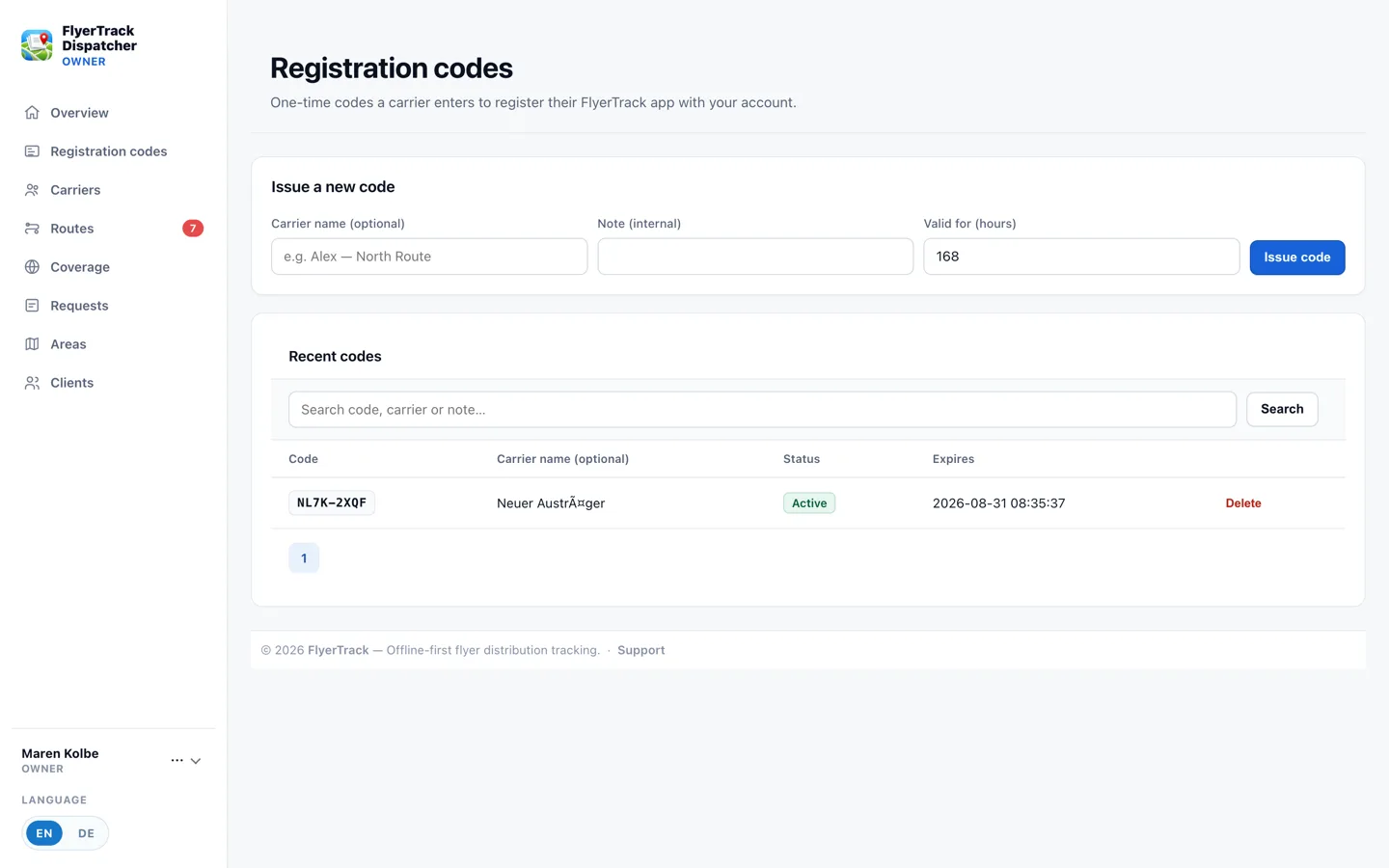
Open codes with their expiry. A redeemed code drops off the list. -
3
Keep track of devices
One person may have several phones registered — a work phone and a personal one, or a spare. The dashboard records which device captured each route. When someone leaves the team you revoke their device; the routes they already walked stay, because those are your proof.
Worth knowing
- The app works without an account at all. Someone working alone can install FlyerTrack and start walking with no dispatcher involved. The code only connects a phone to your team.
- Offline is the normal case, not the exception. In a stairwell or a dead spot recording continues locally and syncs later. The carrier does not have to remember anything.
- How many carriers you can add depends on the plan. The free tier covers up to three carriers — enough to run the whole workflow before you build a bigger team.
Try it on your own area
The free tier is enough to run the whole workflow with a single phone. No card required.
Create a free account