
Guides
Bill clients and report on campaigns
Tag routes with a client and a campaign, and the monthly invoice matches what was actually walked — without recalculating anything.
Two sides of the same route
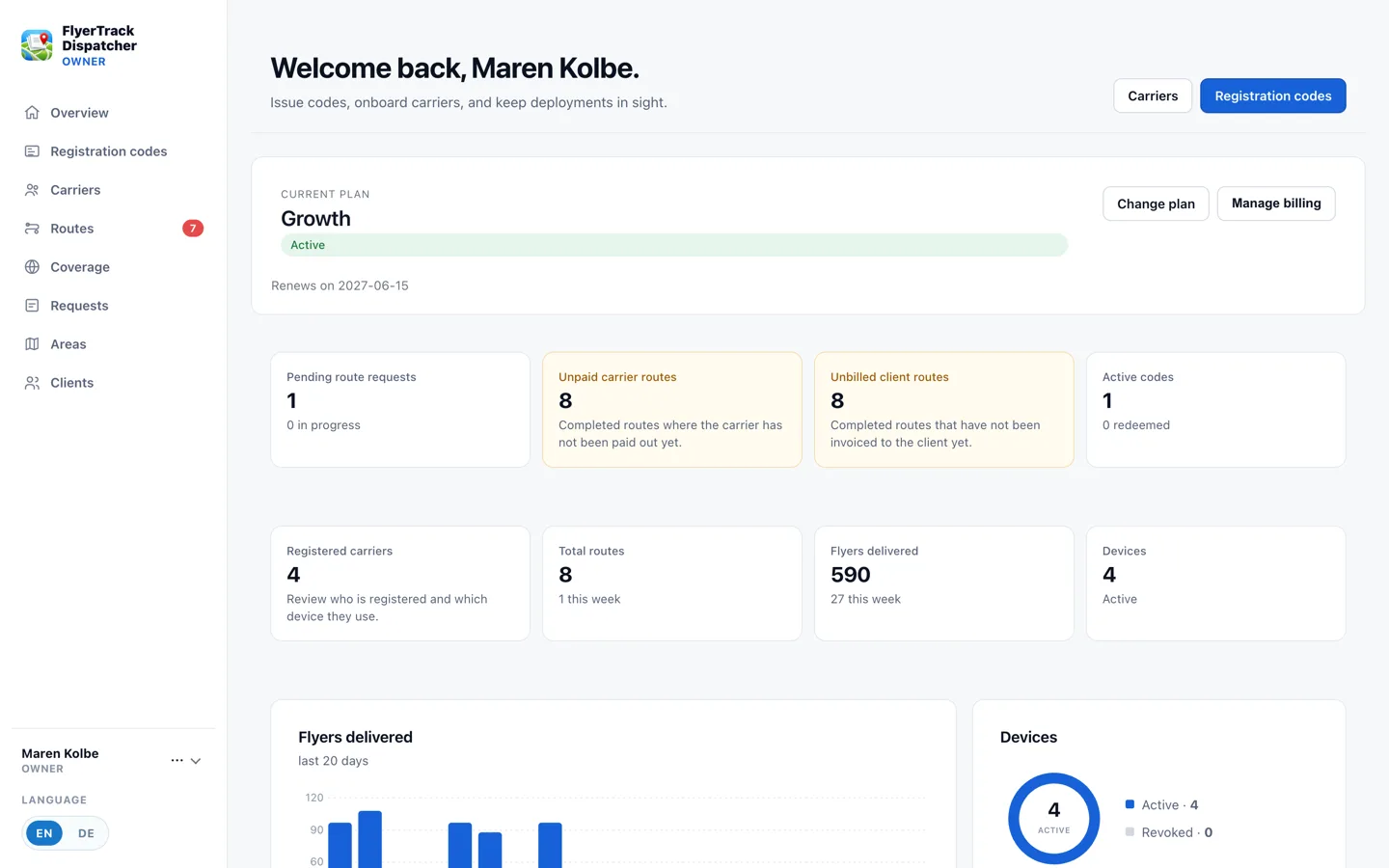
Every completed route leaves two open questions: has the carrier been paid for it, and has the client been billed for it? FlyerTrack tracks those separately, because they are rarely settled at the same moment — carriers usually get paid well before clients do.
So the overview carries two numbers side by side: unpaid carrier routes and unbilled client routes. While either shows a figure, the month is not closed.
Preparing an invoice
-
1
Add the client
Under Clients you add each customer once. After that any route can be assigned to them — either on the job itself or afterwards from the route view.
-
2
Record the campaign
The campaign is a free text field on the job, such as "Spring catalogue". It costs ten seconds and later answers the question that is otherwise archaeology: what did this one campaign cost, and how many leaflets went out for it?
-
3
Export per client, then tick it off
For a client you export a PDF or spreadsheet across all their routes — that document is both the basis for the invoice and the proof itself. Then mark those routes as billed and they leave the open list. The carrier side works the same way with "mark as paid".
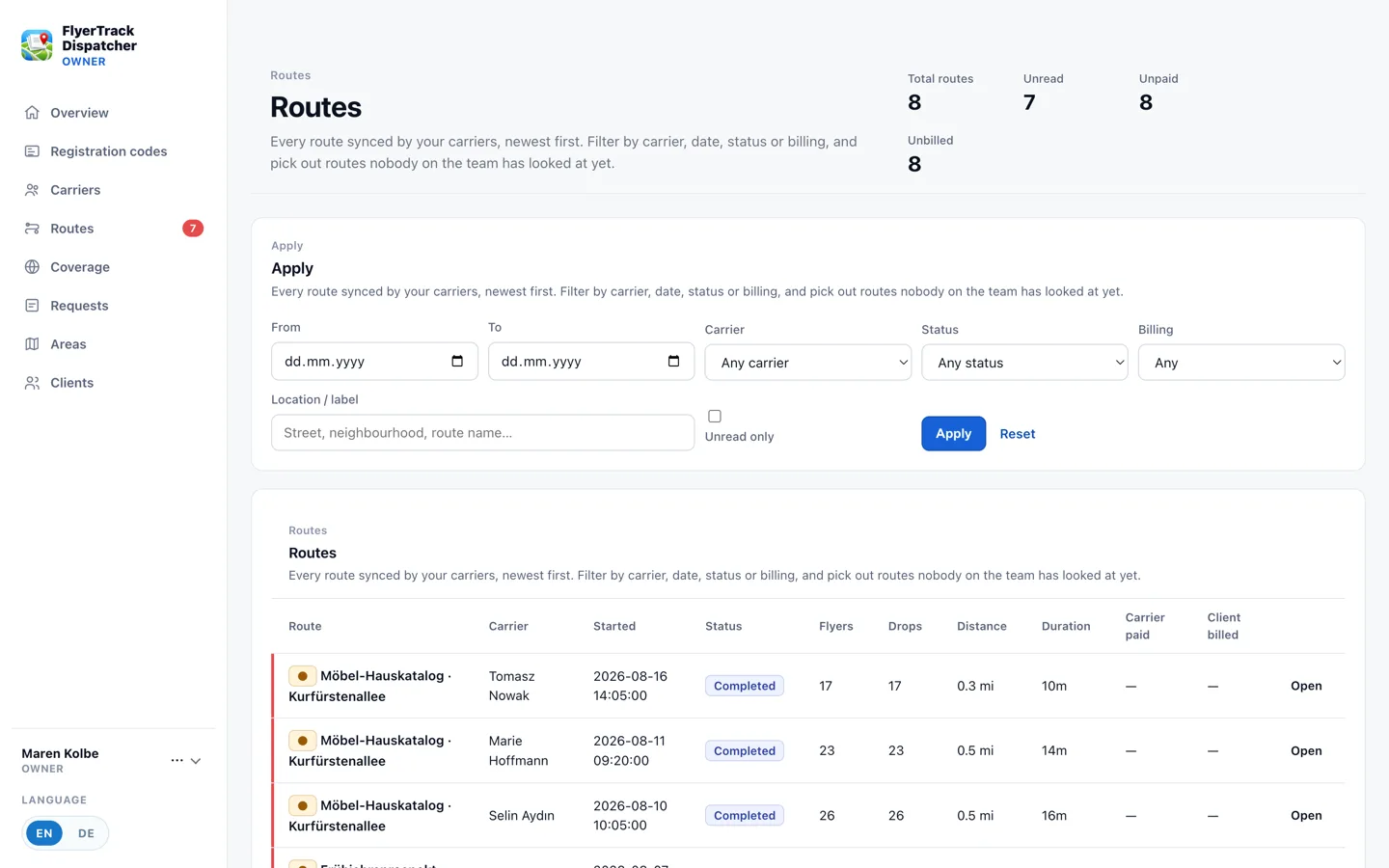
Anything still open stays visible until it is ticked off.
When something turns out to be wrong
Client and campaign can be changed on a completed route at any time — those are labels, not measurements. What never changes is the recorded data: track, drops, timestamps. That immutability is exactly what makes the export usable as evidence in the first place.
Try it on your own area
The free tier is enough to run the whole workflow with a single phone. No card required.
Create a free account